
Searching Cases by Name
Search ARCourts lands you on a participant search screen. Type the person's last name and first name. Businesses and other entities can be run through the Organization or Case Description box instead. A middle name is optional, though it helps when the docket pulls up several people with similar names.
Before you refine anything, pick County = HOT SPRING. Watch the spelling here. That label is singular, and it should not be confused with the City of Hot Springs over in Garland County.
Keep your first Hot Spring County court docket search as lean as the form allows. Stacking on date, court, and case-type filters too early can bury a case lookup result that is actually there. Decide first whether the file belongs to Circuit Court, which handles felonies and general civil cases, or District Court, which handles traffic tickets, misdemeanors, small claims, and limited civil matters. Only then add the court filter.
- Open Search ARCourts and keep Participants selected.
- Enter the last name and first name, or use the organization field for an entity.
- Open advanced filters and choose HOT SPRING as the county.
- Add the court, case type, or date range only when the first result set is too broad.
- Open the matching result and compare its court, parties, filings, and newest future event with known papers.
| Field Label | Type | Required | Options or Format Notes |
|---|---|---|---|
| First Name | Text | Not individually marked | Participant search |
| Middle Name | Text | No | Useful for narrowing common names |
| Last Name | Text | Not individually marked | Participant search |
| Organization or Case Description | Text | No | Entity or description search |
| Select date range | Date range | No | Advanced filter; the precise limit is not published |
| County | Dropdown | No | Select HOT SPRING |
| Court | Dropdown | No | Choose the court that should hold the case |
| Case Type | Dropdown | No | Values depend on the selected court |
Hot Spring County Case Search Filters
Four court values cover Hot Spring County lookups. They are HOT SPRING CIRCUIT, HOT SPRING COUNTY, HOT SPRING MALVERN, and HOT SPRING TRAFFIC/CRIMINAL DIVISION. For felonies, general civil actions, probate, domestic relations, and juvenile matters, start with the Circuit value. Juvenile access stays restricted even where the case routes there. The District values cover the lower court's work. That means traffic, misdemeanor, preliminary criminal, limited civil, and small-claims matters.
The Search ARCourts lookup service lists these exact choices. Its screen shows the local filter names the public system accepts.
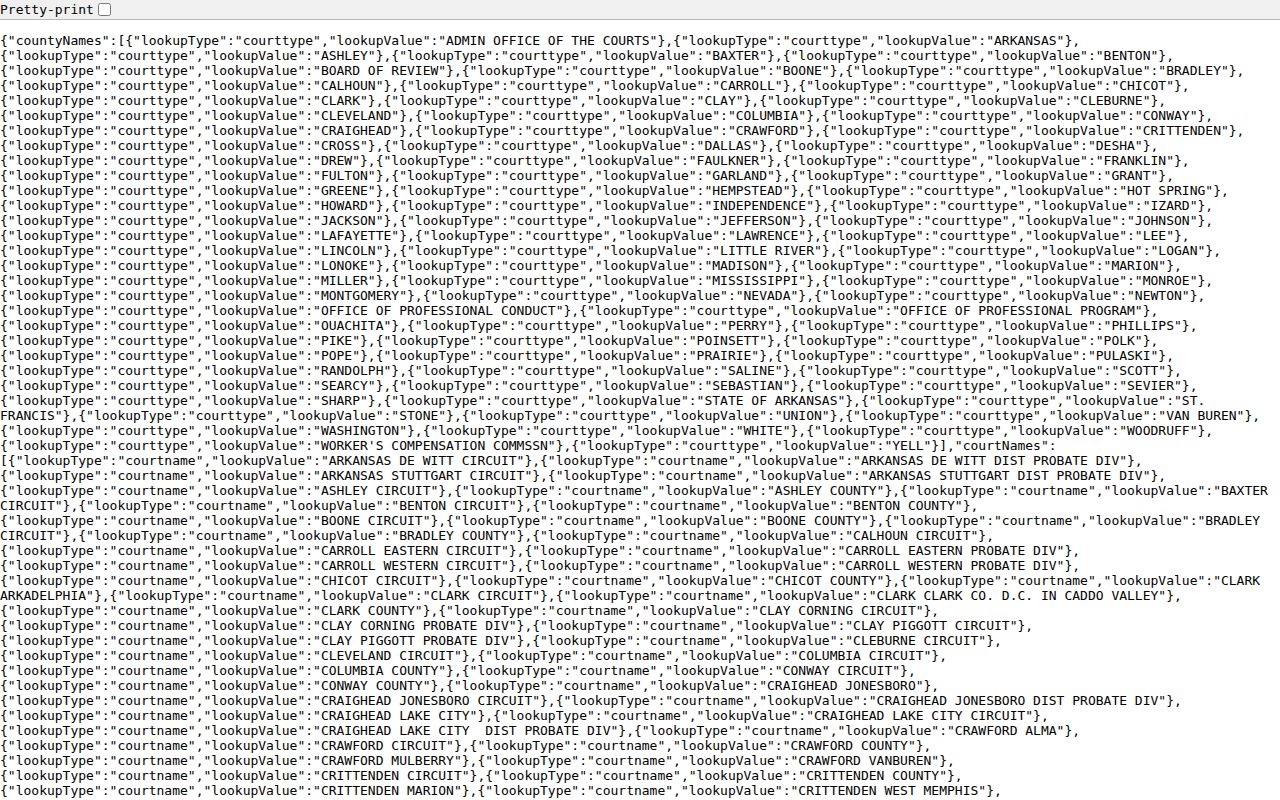
Keeping the labels exact prevents a common mistake: people change spellings and party facts when the selected court level is the real problem.
Note: District Court participation and detail vary. An empty filtered result is worth a call to the clerk.
Hot Spring County Case Search Layers
Search ARCourts is the public view of the courts' Contexte case-management system. Court staff reach CourtConnect through internal access tied to their own permissions. That is not a route around the public limits. It also explains something practical. A clerk may answer a question about a file even when the public search shows less detail.
Only information and images approved for release appear in the public portal. Use it for a first look at a Hot Spring County court docket. Bring deeper questions about the source file straight to the clerk who keeps it.
Searching by Case Number
Pick "Case Number or Citation Number" when an official paper gives you the identifier. One court-assigned number beats a name search for precision. Type the exact case number from the court notice rather than guessing punctuation or a year-and-type pattern. Hot Spring County publishes no official number format, so an invented sample could steer the docket search wrong.
No luck with the exact number? Strip the optional filters. Try the court named on the notice. A traffic citation may sit with the Malvern or Rockport District Court department. A felony or general civil number belongs to Circuit Court. Check every character again. Then call the clerk who keeps the file, with the number, party name, and filing or appearance date if you have them. The Circuit Clerk is at 501-332-2281. The Malvern District Clerk is at 501-332-7604, and the Rockport District Clerk is at 501-332-8700.
Hot Spring County Case Search Coverage
Search ARCourts replaced Public CourtConnect after a January 2024 soft launch. It pulls public information from courts that run on the Contexte case-management system. Every Arkansas Circuit Court supplies at least statistical information. Most offer expanded detail. Only some District Courts take part. So Hot Spring Circuit coverage is the safe bet. A missing Malvern or Rockport District record proves little.
The state's Search ARCourts coverage explanation spells out what participating courts may expose. Its page shows why portal reach and document depth differ from court to court.
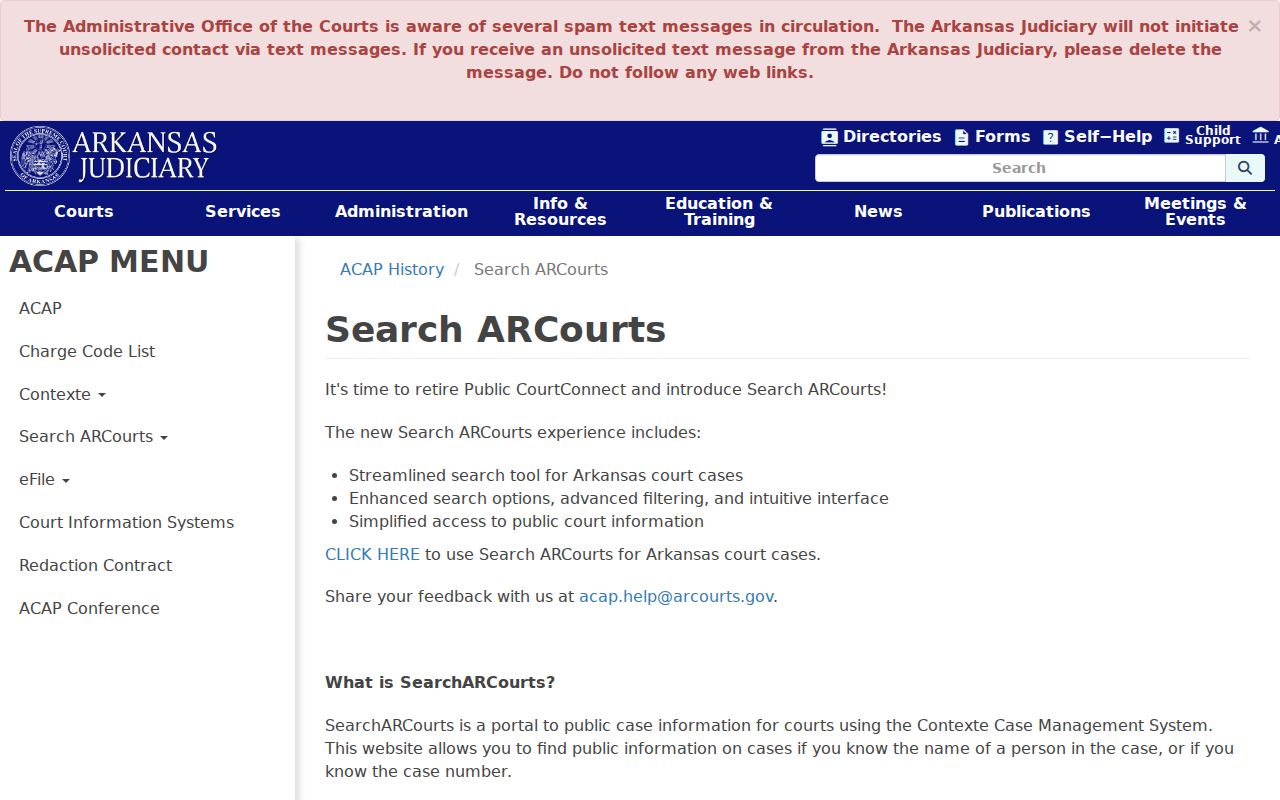
In Hot Spring County, the clerk named on the case is the practical backstop. Search ARCourts can find and track a public matter. It cannot certify a result or prove an unlisted case does not exist.
Hot Spring County Case Search Recovery
Nothing came back? Check the spelling or the exact number first. Drop any filter you do not need. Then try the other likely Hot Spring County court value. Ask whether the matter belongs to District Court rather than Circuit Court. Older records may force the clerk to search the file directly.
Sealing and juvenile confidentiality can also hide a case. Absence alone never tells you which cause applies. Tell the clerk what you already checked. That lets staff route the question without repeating the same docket search.
What a Case Search Returns
What can a public result from a Hot Spring County case search actually contain? Expect the case identity and caption. The same result lists the parties, the assigned judge, a chronological list of filings, upcoming events, and judgments. Criminal dockets add charges and dispositions. Filing images are sometimes linked. Some things will not appear. There is no promised balance due. You get no attorney or bar data, no bond fields, no courtroom line, no cross-references, and no local code glossary. Treat the result as a starting point, not a complete court file.
| Case identity | The court-assigned number and caption used to distinguish the matter |
|---|---|
| Parties and judge | Public participants and the judge currently associated with the case |
| Filings | Dated entries for papers or case actions accepted by the court |
| Future events | Scheduled activity that still must be confirmed with the court |
| Outcome fields | Judgments and, when applicable, public charges and dispositions |
| Document links | Some public images; absence of a link does not mean the paper is missing |
Read the docket from the newest entry backward. An earlier setting may have been reset, continued, or replaced by a later order. Need the document behind an entry, or a clerk-certified copy? Use the Hot Spring County court records process.
Hot Spring County Case Search Disclaimer
Search ARCourts pulls its data from filed documents. Even so, it warrants none of it for accuracy, reliability, or completeness. The system itself says the information is unofficial. It also says the information is not legal notice. A result can help you follow a filing or spot a future event. It cannot replace service, a current court notice, or a certified record from the clerk.
That line matters most when a date is at stake. Check the latest portal entry against the court notice. Still unclear? Confirm the setting with the assigned court or clerk.
Hot Spring County Case Search Tips
Start narrow, then widen only if you must. Case number first, when you have it. For a person, search the county and the name. For a business, try Organization or Case Description. Add a court filter only when jurisdiction is clear. The Search ARCourts navigation tips from the Arkansas Judiciary walk through moving from a result list into case detail and using the advanced filters in a Hot Spring County case search.
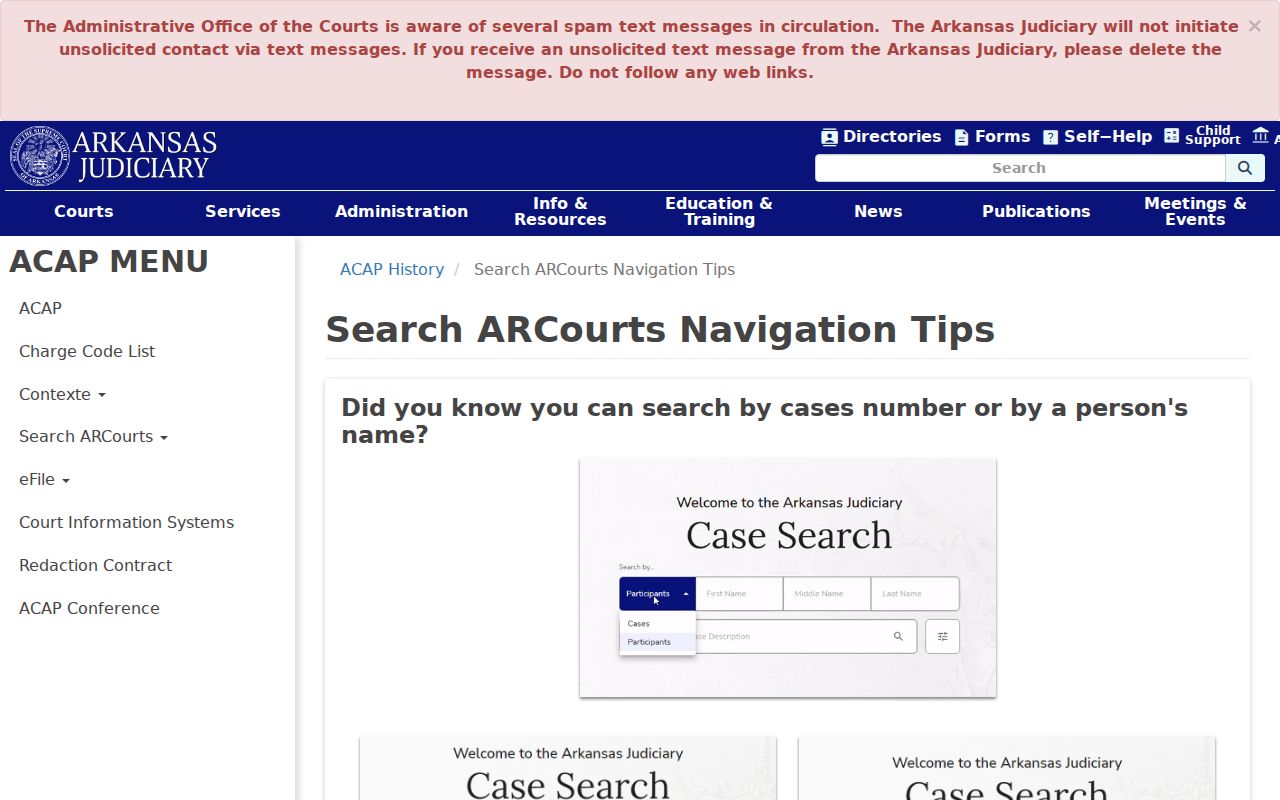
Safari users may need to allow popups before a public document link will open. The state publishes no wildcard rules, no minimum character counts, no result limits, no refresh times, no export promises, and no historical start date. A careful docket search assumes none of them.
No result: Check spelling, remove extra filters, switch to the other likely Hot Spring County court, and call the clerk before drawing a conclusion.
Hot Spring County Case Search Downtime
Contexte infrastructure lists routine maintenance from 12:30 to 2:00 a.m. Monday through Friday, and from 10:00 p.m. Saturday through noon Sunday. Search ARCourts draws on that court environment. So a late-night or weekend failure may be brief. An outage is not a case result. Try again outside the maintenance window, then call the clerk if the need is urgent or the problem persists.
Statewide vs County Case Search
Hot Spring County publishes no separate county case-search portal of its own. Search ARCourts serves as the statewide public layer. It is also the first online route for local state cases. On the county side, the real comparison is the clerk. It is the court file that clerk holds. The distinction matters in several situations. One is a District Court that does not participate fully. Another is an older file never digitized, a missing public image, or a moment when only an official record will do. For those, the docket search is the start, not the end.
| Point | Search ARCourts | Hot Spring County Clerk Channel |
|---|---|---|
| Coverage | Participating Arkansas courts using Contexte | The specific Circuit or District Court file held locally |
| Best use | Find a public case, filing, judgment, or future event | Resolve a missing entry or request a filed document |
| Authority | Informational and not for official use | Custodian of the original file and certifications |
| Access | Free public search | Telephone or clerk counter; terms for copies must be confirmed |
Arkansas eFlex is a third layer, but it exists for filing, not for public lookup. Its registration, training, and counsel-of-record limits make it a poor route for a general case search.
Hot Spring County Case Search vs eFlex
Arkansas eFlex handles electronic filings and can feed accepted material into the case system. Getting in requires training, registration, and an approved account. Remote document access can also depend on something else. It matters whether the user is counsel of record or a party. None of that applies to a public reader. To locate a Hot Spring County case, Search ARCourts is the route. When the public detail view hides a document, the clerk remains the source.
Hot Spring County Case Search Change
Public CourtConnect is retired. The official retirement notice from the Judiciary routes users to Search ARCourts and records the change.
Do not confuse the public search with the new ARCourts case-management platform demonstrated in 2026. That system entered a limited criminal and traffic beta. Its functions cover eCitations, filings, outcomes, scheduling, and payments. Calling it a new Hot Spring County public portal would be premature. Wait until the Judiciary says so. Contexte maintenance can also explain a temporary outage. It is routinely listed in early weekday hours, with a longer weekend window on top.
Access and Restricted Cases
Arkansas Administrative Order 19 favors public access to court records. The exceptions are real. Information made confidential by federal law, state statute, court rule, or court order stays closed. Protected identifiers are not open. Juvenile matters follow separate confidentiality rules. A sealing order limits ordinary public visibility too, though authorized government access may remain.
A missing result from a Hot Spring County case search can have many causes. Sealing could be at work. So could confidentiality, limited digitization, or a District Court that does not participate. A search error or a mismatched court filter could also be at work. One thing it is not: proof the file never existed. Ask the Circuit Clerk or the District Court clerk about the lawful process. Staff cannot hand out restricted material without authority.
- Public case information
- Portal data available to ordinary users under the system's public access rules.
- Sealed record
- A record withheld from ordinary public view under a statute, rule, or court order.
- Certified copy
- A clerk-authenticated reproduction, not a printout from the public search.
- Legal notice
- Formal notice required by law; Search ARCourts states that its information is not legal notice.
Note: A portal future event is informational only. Confirm any hearing through the current court notice or the clerk.